Resizable
A single panel with an engine-managed drag handle: width sets the initial width and the engine owns the drag from there — no fraction bookkeeping in the model. The drag resizes only the panel itself; neighboring widgets keep their frames. It is a stacking surface — no gap; put a row or column inside for flow. When the model should own the pane fraction, or two panes should reflow together as one divider moves, use split instead.
resizable
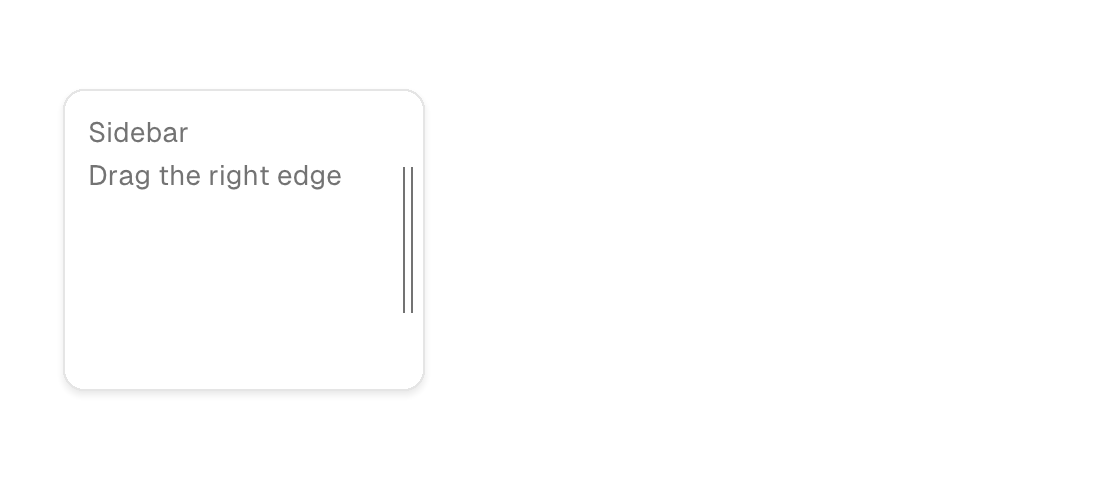

Markup
<row grow="1">
  <resizable width="260">
    <column padding="12">
      <text foreground="text_muted">Sidebar</text>
    </column>
  </resizable>
</row>
Zig builder
ui.row(.{ .grow = 1 }, .{
    ui.el(.resizable, .{ .width = 260 }, .{
        ui.column(.{ .padding = 12 }, .{
            ui.text(.{ .style_tokens = .{ .foreground = .text_muted } }, "Sidebar"),
        }),
    }),
})
Attributes
| Attribute | Description |
|---|---|
width | Definite width (plain number): the element is exactly this wide; content neither shrinks nor overflows it. On resizable it is the initial width. |
min-width | Width floor (plain number) without width's definite max: the element may grow past it but never shrink below. On split panes it bounds the divider drag. |