Status Bar
A status bar text leaf: the content is the status text (with {} interpolation), and it takes no children — the engine renders the bar's own text rather than laying out a child tree. Pin it as the last child of the window's root column so it hugs the bottom edge.
status-bar
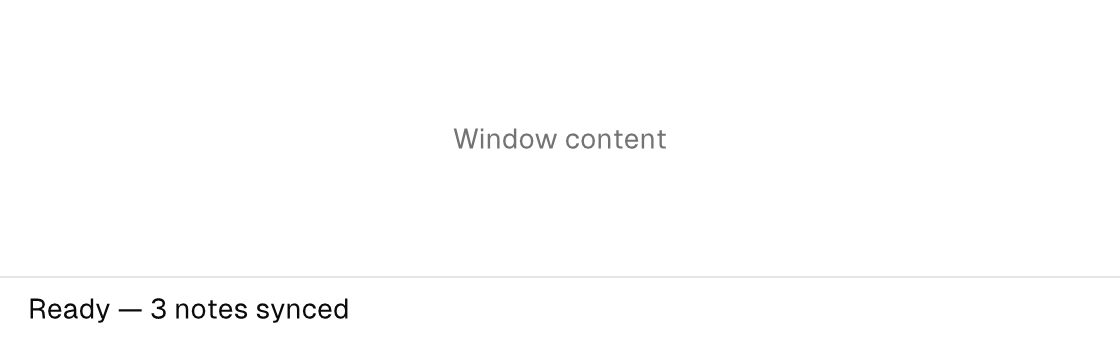
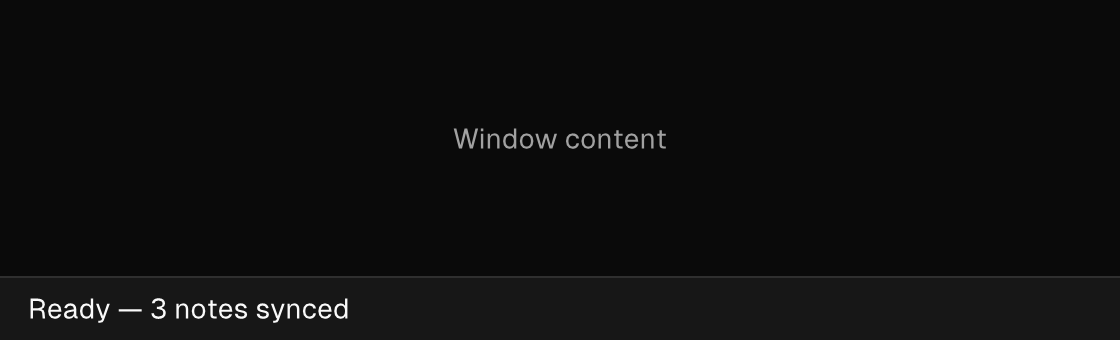
Markup
<column grow="1">
  <column grow="1" padding="32" main="center" cross="center">
    <text foreground="text_muted">Window content</text>
  </column>
  <status-bar>Ready — 3 notes synced</status-bar>
</column>
Zig builder
The builder models it as a text leaf: ui.statusBar(options, text).
ui.column(.{ .grow = 1 }, .{
    ui.column(.{ .grow = 1, .padding = 32, .main = .center, .cross = .center }, .{
        ui.text(.{ .style_tokens = .{ .foreground = .text_muted } }, "Window content"),
    }),
    ui.statusBar(.{}, "Ready — 3 notes synced"),
})
Attributes
| Attribute | Description |
|---|---|
text | Text value for text-bearing elements; a literal or one {binding}. |
text-alignment | Horizontal alignment of text content: start|center|end. Consumed by text (plain and wrapped), status-bar, and surface titles; controls that own their label placement (button, badge) ignore it. On a bubble's reactions child it names the pill's dock (end is the default trailing dock). |